Artificial Intelligence (AI) is transforming the creative landscape of photography and image making. This two-day workshop is designed for everyone, from curious beginners to seasoned photographers eager to explore the potential of new tools and workflows. You will discover how AI can enhance your image-making process ranging from crafting prompts to generate unique images, to editing and improving your own photographs with tools like Adobe Firefly, Lightroom Classic, and Photoshop.
You will learn how to upload your photographs and utilise AI features such as generative fill, content-aware editing, and creative compositing. The workshop will also teach you the art of writing effective prompts and guide you in developing your own style and creating your own Custom GPT.
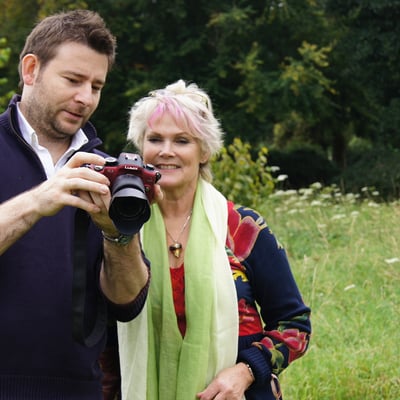
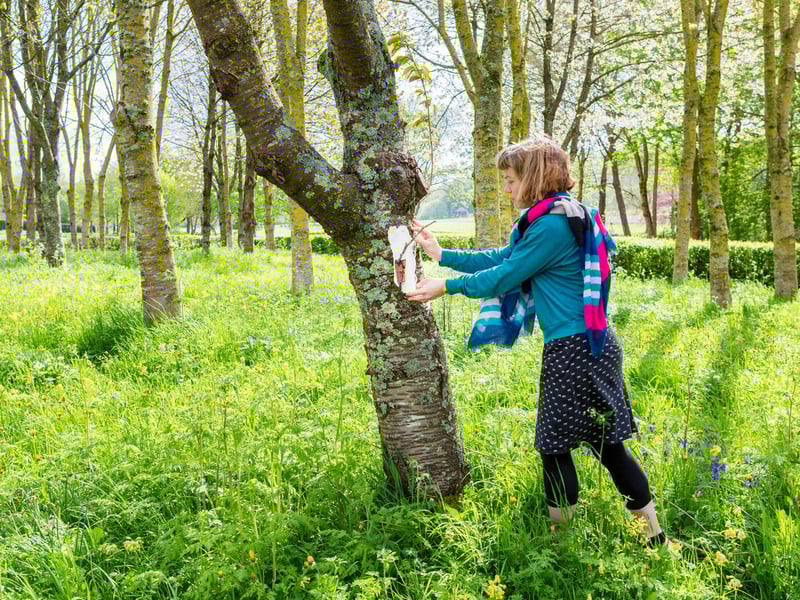
The sessions will be practical and hands-on, with tutor demonstrations, peer feedback, and opportunities to photograph the inspiring gardens of West Dean for your AI experiments. We will also address ethical considerations, helping you understand the responsible use of AI in your creative practice. No technical expertise is needed beyond basic camera handling and keyboard skills and no previous experience of using AI tools is required.
By the end of the course, you will:
- Understand the capabilities and limitations of current AI tools in photography
- Write and refine prompts to generate images or modify your own photographs
- Automate editing and managing images using software such as Lightroom Classic
- Reflect critically on the role of AI in your creative practice
The course covers:
-The history and context of AI in photography
- Adobe Firefly, ChatGPT and Lightroom Classic AI tools
- Writing effective AI prompts
- Editing your own photographs using AI workflows
- Image ethics, copyright and terms of use
- Practical image capture and editing in the gardens and studio
Please note: This course teaches new and emerging technologies and accordingly the detail of the software products and packages set out above may be subject to change,
What students need to bring
- A digital camera (preferably with manual settings), fresh/charged batteries, charger, memory card, and Instruction manual
- A notebook and pen
- A USB (large storage capacity) or portable hard drive storage device (plus connecting leads) via which images can be transferred to your own computer at the end of the course or for saving work in progress (PC compatible if using College PC’s).
- Bring a note of your own Adobe ID login. If you don’t already have one, please register for a free account at www.adobe.com prior to the course, and remember to bring the details with you.
Available to buy
Available from shop:
USB Memory Stick
Additional information
Please note: The course is for up to 8 participants. While each will be allocated a PC workstation, other equipment provided in the studio, may be shared amongst the group.
Arrival day - first date of course
Residential students can arrive from 4pm, non-residential students to arrive by 6.45pm for registration
Student welcome, followed by dinner: 6.45pm (dinner included)
Teaching session: 8pm-9pm (attendance is essential)
Daily timetable
Course teaching: 9.15am-5pm
Morning session: 9.15am-12.45pm including coffee/tea break
Lunch break: 12.45pm-2pm (lunch included)
Afternoon session: 2pm-5pm including coffee/tea break
Teaching finishes: 5pm
Evening working: students may have access to workshops until 9pm, but only with permission from the tutor and provided any health and safety guidelines are observed.
Departure day - last date of course
Course teaching: 9.15am-3pm (lunch included)
Teaching finishes: 3pm
Residential students will need to check out of rooms by 10am.
Please note, the tutor may make slight variations to the daily timetable as required.