
Garden Design
Online Certificate in Residential Garden Design
Campus Open Day - 10 October 2026 - Register Now
Virtual Open Day - 22 October 2026 - Register Now
Award: Certificate in Residential Garden Design
Duration: Self-paced study
School: KLC School of Design
Campus: Online
Course fees: £1,000 (12mths course access). Flexible payment options available. We also offer flexible study options, up to three years, for an additional fee. If you would like to spread out your study or have any questions, contact us at [email protected] or call +44 (0)1243 973050
Learn the fundamentals of residential garden design with our online Certificate course and gain a professional, industry-recognised qualification while studying at your own pace.
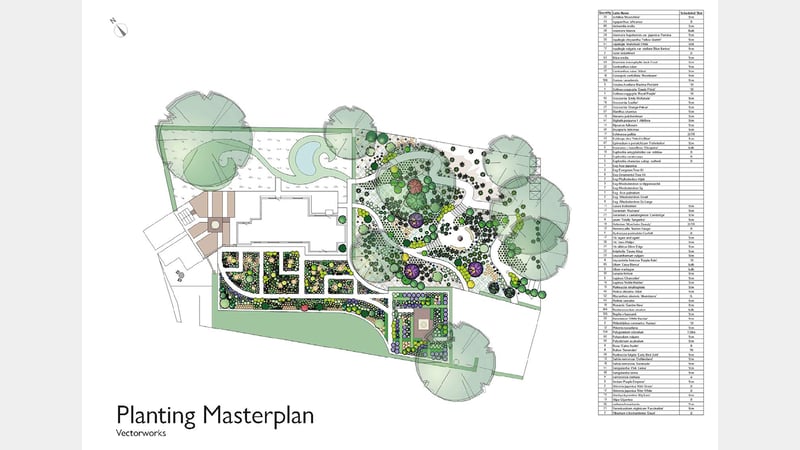
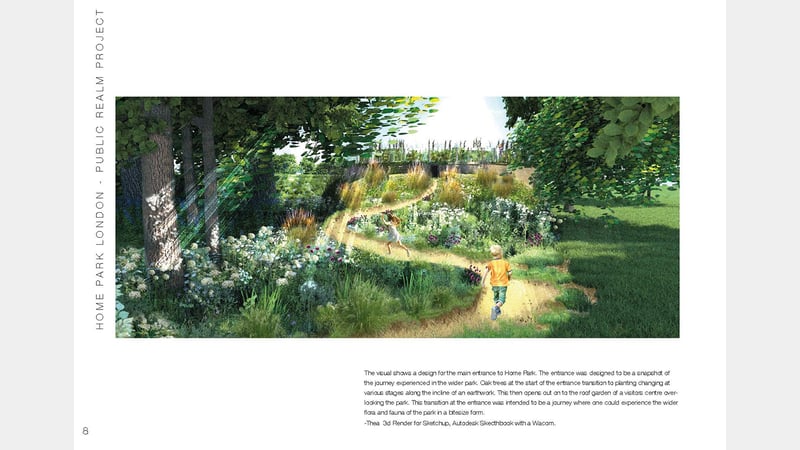
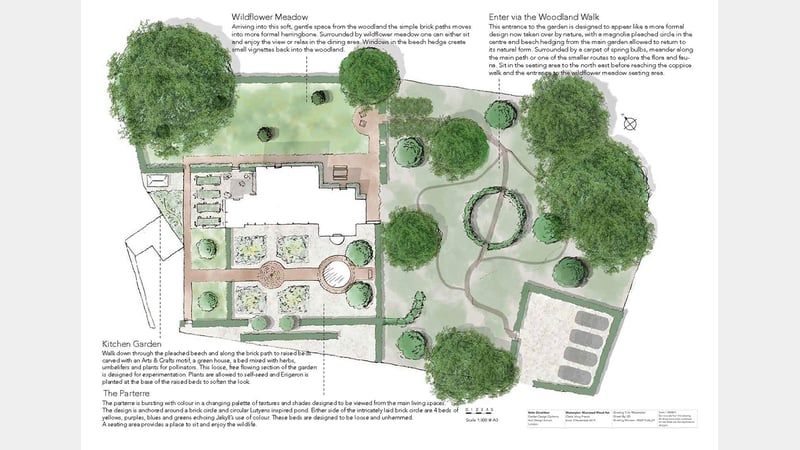
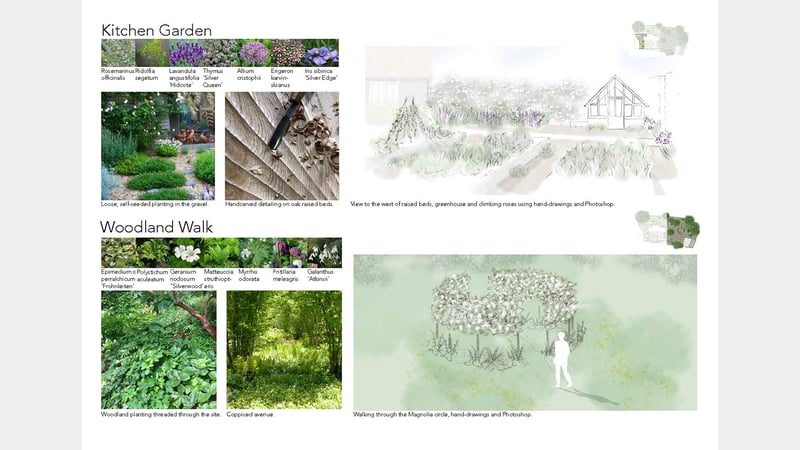
Structured into fourteen comprehensive sections and delivered through a combination of videos, presentations and self-assessed quizzes, this self-study course will support you with the knowledge and skills to create design propositions for residential gardens. From the principles of spatial planning and planting design to history, CAD, plant science and professional practice, you'll learn how to turn your creative passion for gardens into a career.
With 24/7 access to the course materials through our online learning platform, this course is designed to fit around busy work and home schedules. On average, students who commit 12 hours a week to study can complete the course in 12 months. Students have 12 months of online access to all of the course content.
Why study Garden Design at West Dean
- Benefit from expert online delivery, featuring easy-to-follow videos and live tutorials that support your assignments
- Course content develops your knowledge and skills through progressive assignments, culminating in a comprehensive final project
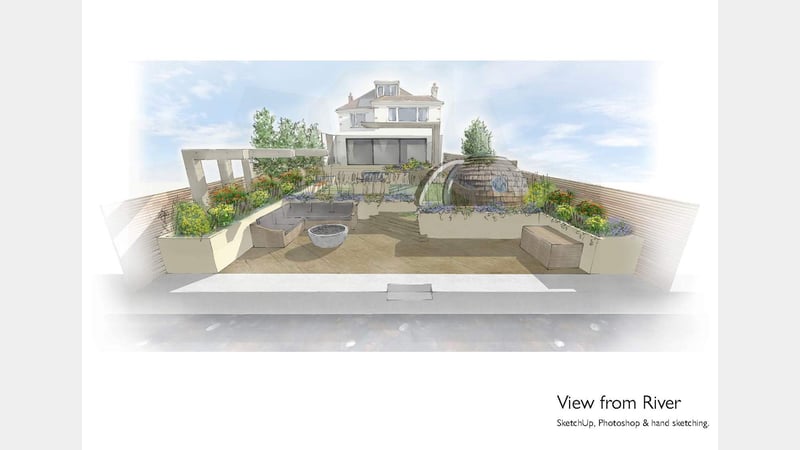
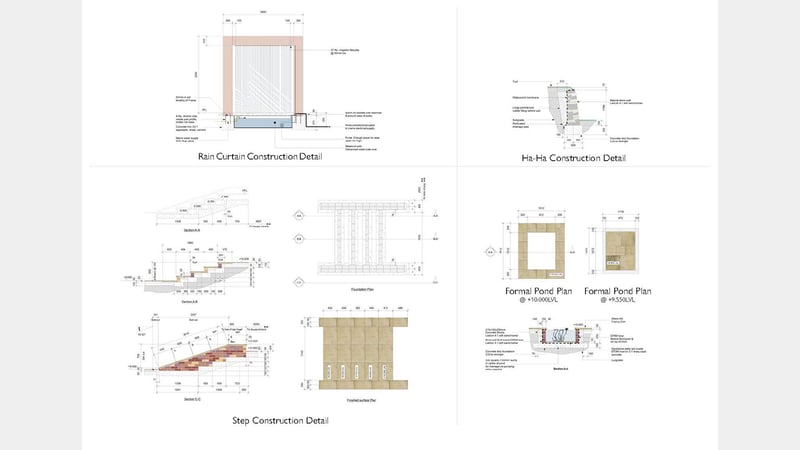
- Learn key industry CAD software, including Vectorworks, Landmark, and SketchUp, to create professional design schemes and graduate ready for a career in the Garden Design industry
KLC School of Design
Our KLC School of Design offers industry-leading interior design degrees and garden design courses with unrivalled teaching, flexible learning and ongoing career support
Stories & News
Gardening Design
10th September 2025
Life After Graduation: Garden Design with Jane Ashley
- By Garden Design Diploma graduate, Jane Ashley
Becoming a garden designer was a logical step for me, combining my creative skills with my lifelong delight in plants and gardens. Attending KLC was the pathway which enabled me to make this move and launch my garden design career.
I’d previously enjoyed another career, different but also sa...
Gardening Design
1st March 2024
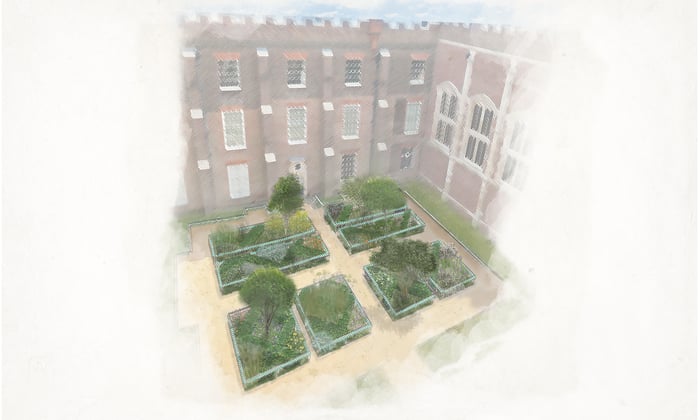
Graduate wins competition to re-design historic Chapel Court garden at Hampton Court Palace
Garden Design Diploma graduates were recently invited to respond to an exciting brief from Historic Royal Palaces, which included redesigning the Chapel Court Planting Plan at Hampton Court Palace, with work scheduled to start later this year.
The brief
Graduates were asked to consider the following:
Plants have to be able to deal with the harsh conditions inside t...
Gardening Design
24th May 2023
Gardening Art In Ancient Rome
by Paola Tavoletti, Garden Design Diploma alumni
Find out more
“If you have a garden and a library, you have everything you need.” – Marcus Tullius Cicero
The contemplative and the intellectual dimension: a mix that helps us to live in harmony with ourselves and with the surrounding world. The ancient Romans were wise!
For the Romans the garden was initially ...
Gardening Design
15th January 2020
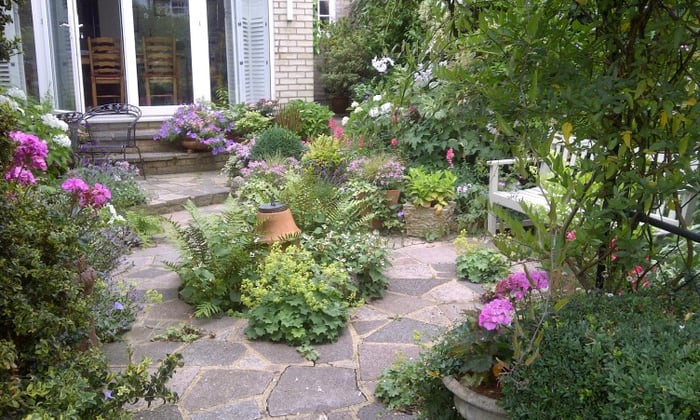
The Beauty of Small Spaces
by Jason Brayshaw
Find out more
Given that I reside in London, there is one thing most Londoners can agree on and that is space for housing, both exterior and interior, is limited. You have got to make the most of what you have. This may sound stifling to some reading this, but the opposite can apply here. Having a small garden space as your creative framework allows you to be not only creative but also...
Entry requirements
No previous experience in garden design is required for this course.
Students should have basic computer skills (word processing, spreadsheets, and web/internet skills) and be confident using a computer.
English Language
A good command of written and spoken English is required.
It is recommended that students have a reliable, high-speed internet connection. A broadband connection is necessary to access the videos and online training sessions effectively in this course.
Fees
Course fees are the same for UK and international students
- £1,000 (12 months course access)
On average, students who commit 12 hours a week to study can complete the course in 12 months, but we also offer flexible study options, up to three years, for an additional fee. If you would like to spread out your study or have any questions, contact [email protected] or call +44 (0)1243 973050
This course offers flexible payment options:
Pay via instalments: enrolment fee of £200, followed by ten monthly payments of £80. To pay via instalments, please call +44 (0)1243 818310 or email [email protected]
Pay in full: please use the payment link below to pay in full for this course and gain immediate access.
We may routinely increase our course fees from year to year for one-year courses as well as courses lasting two or more years and may review and change such course fees without notice.
How to apply
Course access is granted immediately after payment, and your login details will be emailed to you. If you choose to pay in instalments, access may take a few days to arrange. If you have any questions, please contact us.

Related courses
Prefer to study with others? Our on-site part-time Diploma course in Garden Design is uniquely tailored to prepare students for a career in the garden design industry. The course follows the growing year, which means initial study and final project work take place in the colder winter months, while practical horticulture and live projects take place during the spring and summer. The resulting one-year course combines practical hard landscaping and gardening skills, plant science and creative design principles in a part-time format with additional study required outside of class each week.
Ask a question
Need more information? Have a question? Speak to our course advisors
Email: [email protected]
Phone: +44 01243 818 300 and select option 1

Student Life
Discover more about student life, campus facilities, accommodation and more
Find out more

International Students
We welcome students from around the globe. Discover more about studying in the UK, fees and student life
Find out more

Book an Open Day
Come and see for yourself. Join us for a virtual or campus Open Day and hear from our tutors, students and ask specific questions about a subject or course
Book Open Day